 This only applies to Isobar Global - dentsuMB corporate site build, Dentsu&, Abbott projects for now.
This only applies to Isobar Global - dentsuMB corporate site build, Dentsu&, Abbott projects for now.
You must be a project admin in the project in order to perform the below actions.
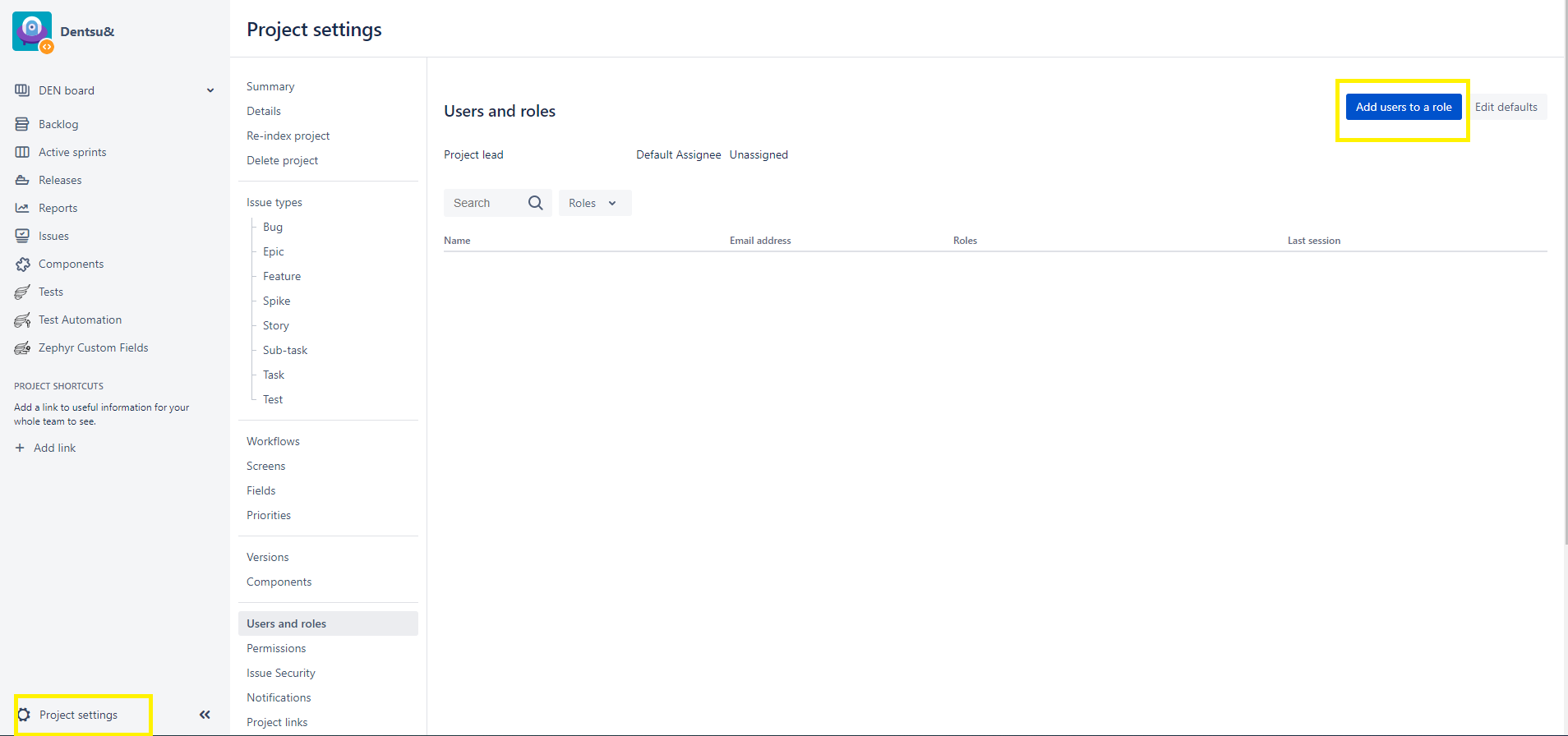 Can add multiple users in users or groups field
Role Reference:-
| Role | Description | Permissions |
|---|---|---|
| Administrators | Project admin for the specific project | Full project permission |
| Users | Standard users for the specific project | Browse Project, Create Tickets, Add Comment, Transit Ticket Status, Manage Sprints, Work on tickets in the project |
| Others | Please do not select other's roles in the list as there is no configuration done. | No permission |
Project Admin for each project as of (21 April 2021)
| Project Name | Project Admin User |
|---|---|
| Dentsu& | Smita Shirole, Ketan Kale, Rex Lampier, Sandeep Padelkar, Varun Jindal, vikram sharma |
| Isobar Global - dentsuMB corporate site build | Aakash Kumar, lan tu |
| Abbott | |
| DWS India COntent Production | Vikram.Morey@isobar.com |