 You must be a project admin in the project in order to perform the below actions.
You must be a project admin in the project in order to perform the below actions.
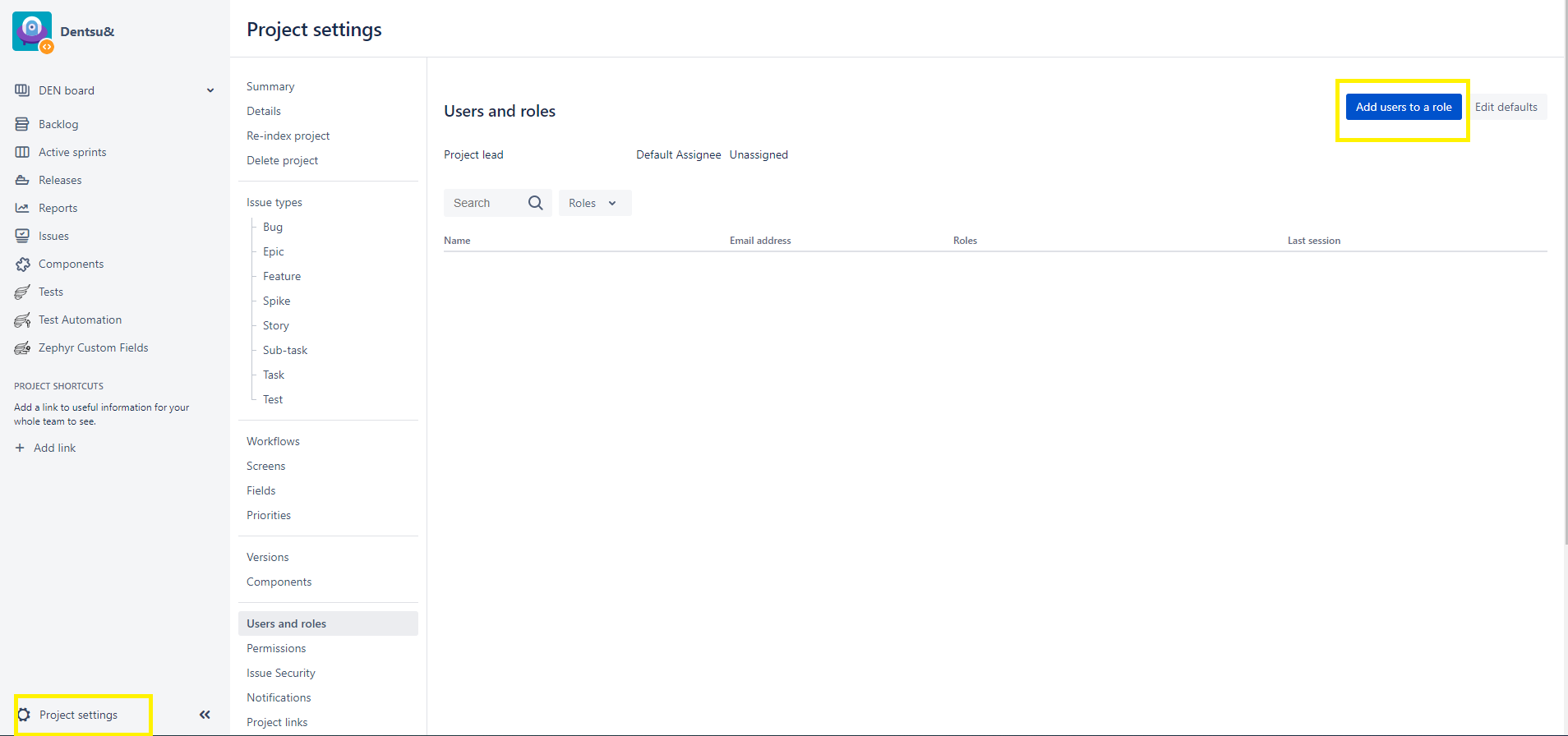 Can add multiple users in users or groups field
Role Reference:-
| Role | Description | Permissions |
|---|---|---|
| Administrators | Project admin for the specific project | Full project permission |
| Users | Standard users for the specific project | Browse Project, Create Tickets, Add Comment, Transit Ticket Status, Manage Sprints, Work on tickets in the project |